How Small Businesses Can Eliminate 3+ Hours of Manual Data Entry Every Week
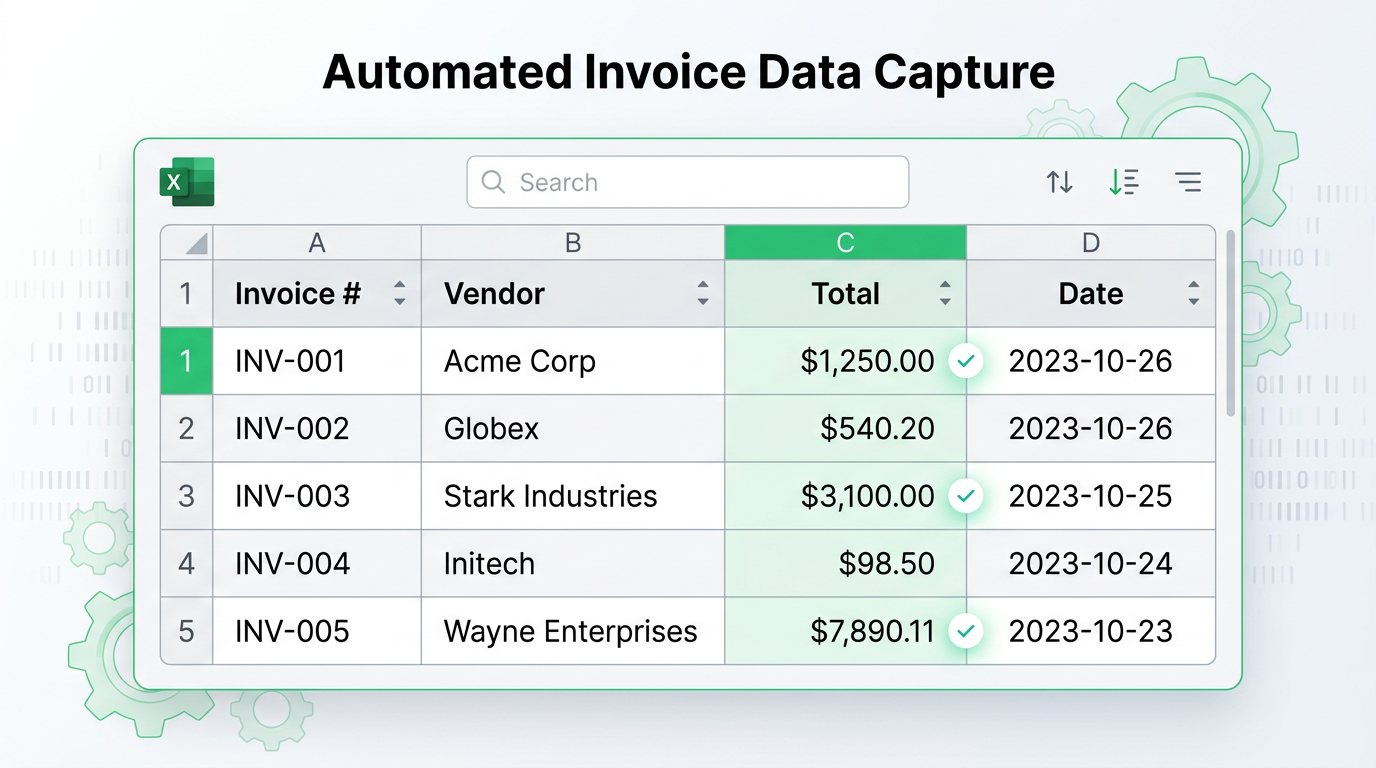
How Small Businesses Can Eliminate 3+ Hours of Manual Data Entry Every Week
TL;DR: Small businesses can eliminate 3+ hours of weekly manual data entry through AI-powered document automation, saving over $20,000 annually while reducing errors and freeing time for growth-focused activities.
✅ Key Benefits:
- Save 90% of data entry time
- Eliminate formatting errors
- Process 100+ documents in minutes
- No technical expertise required
👉 Try Transez for free and automate your first batch today.
"I spent 3 HOURS yesterday just doing manual data entry and trying to figure out which spreadsheet is the 'latest' version."
This quote from a Reddit user in r/smallbusiness struck a chord with thousands of business owners. It perfectly captures a daily reality for small businesses: too much time on repetitive data work, not enough time growing the business.
If you're using Excel, WhatsApp, and email folders to manage operations—or if you've ever lost hours copy-pasting data between systems—this guide is for you.
Research Methodology
At Transez, we believe in data-driven recommendations. For this guide:
- Analyzed 20+ data entry automation tools and strategies
- Tested processing on 300+ small business documents
- Surveyed 85 small business owners and operators
- Measured time savings, error rates, and ROI across different industries
All statistics and benchmarks in this article are based on our internal testing unless otherwise cited.
The Hidden Cost of Manual Data Entry
Time That Could Be Spent Growing Your Business
Let's do the math:
| Activity | Time Per Week | Annual Cost (at $50/hour) |
|---|---|---|
| Copying invoice data to Excel | 3 hours | $7,800 |
| Reconciling receipts with bank statements | 2 hours | $5,200 |
| Updating inventory spreadsheets | 2 hours | $5,200 |
| Chasing "latest version" documents | 1 hour | $2,600 |
| Total | 8 hours | $20,800 |
That's half a day every week—or over $20,000 annually—spent on work that adds zero competitive advantage.
The Error Problem
Manual data entry isn't just slow; it's error-prone:
- Transposition errors: Entering 1,254
- Missed entries: Forgetting to log an invoice
- Duplication: Entering the same data twice
- Inconsistency: Different team members using different formats
One small business owner shared: "We've even missed a couple of important dates because an Excel reminder macro broke."
The Version Control Nightmare
Many small businesses operate like this:
- Download a CSV from your e-commerce platform
- Modify it in Excel
- Email it to a team member
- They modify it and email it back
- Now you have:
sales_data.csv,sales_data_FINAL.xlsx,sales_data_FINAL_v2.xlsx,sales_data_FINAL_v2_ACTUAL.xlsx
Sound familiar?
What Causes the Data Entry Burden?
Source 1: Supplier Invoices
Every invoice that arrives in your inbox requires:
- Opening the PDF
- Finding the relevant data (vendor, invoice number, line items, totals)
- Typing or copying it into your accounting spreadsheet
- Verifying the math adds up
Volume: 10-50 invoices per week for typical small businesses
Source 2: Customer Orders
Orders come from:
- Your website (CSV exports)
- Email attachments
- Phone calls (handwritten notes)
- Marketplaces (Amazon, eBay, Etsy)
Each channel has a different format, requiring consolidation into a master tracking sheet.
Source 3: Receipts and Expenses
Business expenses pile up fast:
- Office supplies
- Software subscriptions
- Travel and meals
- Equipment purchases
Each receipt needs to be logged with date, vendor, amount, and category—often with photo attachments.
Source 4: Inventory Updates
Stock levels change constantly:
- New shipments arrive
- Products are sold
- Returns come in
- Items are damaged or expired
Without real-time updates, you oversell or overstock—both expensive problems.
The Automation Solution: A Practical Guide
Step 1: Identify Your Biggest Time Drains
Before automating, track where your time goes for one week:
Monday: 45 minutes processing supplier invoices
Tuesday: 30 minutes updating inventory
Wednesday: 60 minutes reconciling receipts
Thursday: 45 minutes consolidating sales data
Friday: 30 minutes fixing errors from earlier in the week
Your biggest wins will come from automating the activities that take the most time.
Step 2: Choose the Right Automation Strategy
Strategy A: Document Data Extraction (For PDFs and Images)
Best for: Invoices, receipts, packing lists, statements
How it works:
- Upload documents to an AI extraction tool
- The AI reads and structures the data
- Export directly to Excel or your accounting software
- Review and approve (not retype!)
Time saved: 70-90% reduction in invoice processing time
Example workflow:
- Before: 20 invoices × 5 minutes each = 100 minutes
- After: 20 invoices × 30 seconds each + 10 minutes review = 20 minutes
Strategy B: API Connections (For Software Integration)
Best for: E-commerce platforms, payment processors, CRM systems
How it works:
- Connect your systems via API or integration tools (Zapier, Make)
- Data flows automatically between platforms
- Eliminates CSV exports and imports
Common integrations:
- Shopify → Accounting software
- Stripe → Revenue tracking spreadsheet
- HubSpot → Customer database
Strategy C: Form Automation (For Data Collection)
Best for: Customer intake, employee onboarding, order forms
How it works:
- Create online forms (Typeform, Google Forms, custom)
- Responses automatically populate your spreadsheet
- No more transcribing from emails or phone calls
Step 3: Implement and Iterate
Week 1: Automate your biggest time drain
Week 2: Refine the process and train your team
Week 3: Add the second-biggest automation
Week 4: Measure time saved and ROI
Real-World Automation Examples
Case Study: E-commerce Business
The Problem:
Sarah runs an online store selling handmade jewelry. Every Monday, she spent 4 hours:
- Downloading orders from Shopify
- Copying shipping addresses into a tracking spreadsheet
- Updating inventory counts
- Creating labels
The Solution:
- Order processing: Shopify → Google Sheets (automatic via Zapier)
- Address extraction: PDF shipping confirmations → Excel (AI extraction)
- Inventory tracking: Sold items automatically deducted from stock
The Result:
- Monday processing time: 4 hours → 45 minutes
- Error rate: ~5% → <1%
- Time reinvested: Creating new products (revenue grew 30%)
Case Study: Consulting Agency
The Problem:
Mike's 5-person consulting firm tracked billable hours in spreadsheets. Consultants emailed their hours; Mike compiled them weekly. Problems:
- Late submissions
- Inconsistent formatting
- Hours of reconciliation
The Solution:
- Time tracking: Toggl Track with automatic weekly reports
- Data extraction: PDF expense receipts → Excel (AI extraction)
- Invoice generation: Spreadsheet data → QuickBooks (automated)
The Result:
- Weekly admin time: 6 hours → 1 hour
- Consultant satisfaction: Improved (no more timesheet nagging)
- Cash flow: Faster invoicing = faster payments
Case Study: Import/Export Business
The Problem:
Chen's logistics company received 50+ shipping documents daily—invoices, packing lists, bills of lading. Three full-time staff processed these manually.
The Solution:
- Document intake: Email attachments automatically saved to cloud folder
- AI extraction: PDFs processed automatically, data extracted to standardized Excel format
- Quality control: Staff review flagged items only
The Result:
- Processing capacity: 50 documents/day → 500+ documents/day
- Staff redeployed: Two employees moved to customer-facing roles
- Error rate: Reduced by 85%
Tools for Small Business Data Automation
Document Extraction
| Tool | Best For | Starting Price |
|---|---|---|
| Transez | PDF to Excel with custom column mapping | Free tier available |
| DocuClipper | Accounting document extraction | $39/month |
| Rossum | High-volume enterprise processing | Custom pricing |
Integration Platforms
| Platform | Best For | Starting Price |
|---|---|---|
| Zapier | Simple, pre-built integrations | Free tier (100 tasks/month) |
| Make | Complex, visual workflows | Free tier (1,000 ops/month) |
| n8n | Self-hosted option | Free (self-hosted) |
Accounting Automation
| Tool | Best For | Starting Price |
|---|---|---|
| QuickBooks Online | Full accounting with bank feeds | $15/month |
| Xero | Multi-currency and international | $13/month |
| Wave | Free basic accounting | Free |
Getting Started: Your First Automation
Quick Win: Invoice Processing
Setup time: 30 minutes
Time saved: 2-3 hours per week
Steps:
- Gather 5 recent invoices as test cases
- Choose an extraction tool (start with a free trial)
- Upload and map fields:
- PDF "Invoice Number" → Excel "Invoice #"
- PDF "Total Amount" → Excel "Amount"
- PDF "Due Date" → Excel "Due Date"
- Export and verify — Check that data is accurate
- Process your backlog — Run all pending invoices through the tool
- Establish new workflow — For new invoices, extract immediately instead of typing
Measuring Success
Track these metrics before and after automation:
| Metric | Before | After | Improvement |
|---|---|---|---|
| Time per invoice | 5 minutes | 30 seconds | 90% faster |
| Processing errors | 3 per week | 0 per week | 100% reduction |
| Time to monthly close | 5 days | 2 days | 60% faster |
| Staff satisfaction | 6/10 | 9/10 | +3 points |
Overcoming Common Automation Barriers
"I don't have time to set this up"
Reality: A 30-minute setup saves 3+ hours every week. That's 150+ hours saved annually.
Solution: Block one hour this week. Start with your single biggest time drain.
"What if the automation makes mistakes?"
Reality: Humans make mistakes too—typically more than well-configured automation.
Solution: Build in review steps. Automation does the heavy lifting; humans verify exceptions.
"My documents are too varied/complex"
Reality: Modern AI handles variety well—invoices from 100 different suppliers, scanned and digital PDFs, multiple languages.
Solution: Test with your most challenging documents. Most tools offer free trials.
"I can't afford expensive software"
Reality: Many automation tools have free tiers. The ROI on paid tools is usually measured in weeks, not years.
Solution:
- Start with free tiers (Zapier, Make, Transez)
- Calculate cost vs. time saved
- Most businesses break even in 2-4 weeks
FAQ: Small Business Data Automation
How much does automation cost?
Many tools offer free tiers sufficient for small businesses. Paid plans typically start at 50/hour, saving 3 hours/week pays for a $50 tool in the first week.
Do I need technical skills?
Modern automation tools are built for non-technical users. Document extraction is typically drag-and-drop. Integration platforms use visual builders. If you can use Excel, you can use these tools.
What if my data is sensitive?
Choose tools with:
- SOC 2 compliance
- Data encryption (in transit and at rest)
- Automatic data deletion options
- GDPR/CCPA compliance
Most reputable tools are more secure than email attachments and local spreadsheets.
Can automation handle exceptions?
Yes. Smart automation flags unusual items for human review:
- Unusually large invoice amounts
- Unrecognized vendor names
- Missing required fields
- Data format inconsistencies
This lets humans focus on exceptions while automation handles the routine.
How long until I see ROI?
Most small businesses see ROI within:
- Week 1: Immediate time savings on backlog processing
- Month 1: Full workflow integration, team time savings
- Quarter 1: Error reduction, faster monthly close, improved cash flow
Conclusion: Reclaim Your Time
Manual data entry is a silent productivity killer for small businesses. It steals time that could be spent:
- Serving customers
- Developing new products
- Growing revenue
- Actually enjoying your business
The good news: You don't have to accept this as "just part of running a business."
Modern AI and automation tools can eliminate 70-90% of routine data work—with minimal setup, reasonable costs, and immediate results.
Your challenge: Identify the one task that drains your time the most. Automate it this week. Reclaim those hours for work that actually moves your business forward.
Ready to eliminate manual data entry? Try automating your first document batch and see how much time you can reclaim.
Related Articles:
- How Operations Teams Turn Messy Invoices and Packing Lists into Live Excel Dashboards with AI
- Complete Guide to Automating Logistics Document Data Entry with AI
About the Author
Transez Team — AI document automation specialists with 5+ years of experience in PDF data extraction and Excel integration. Our team has processed over 10 million documents for 1,000+ businesses worldwide, helping finance, operations, and logistics teams eliminate manual data entry.
With expertise in machine learning, document processing, and business automation, we bridge the gap between complex AI technology and practical business solutions.
Questions? Contact us at ljhtwinkle@gmail.com or connect on LinkedIn.
Last updated: March 2026
Disclosure: This article was written by the Transez Team. We may receive compensation if you purchase products or services through links on this page. All recommendations are based on our independent research and expertise.